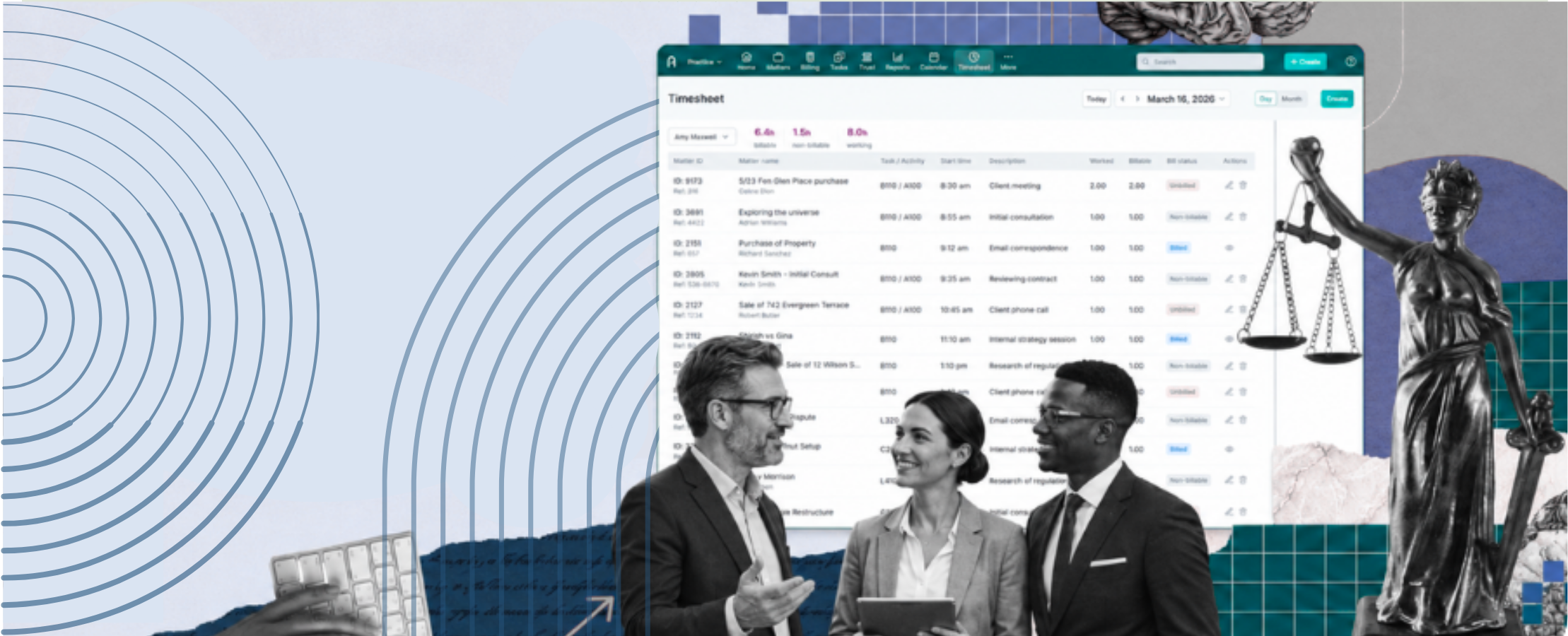
Every billable moment, automatically captured.
Actionstep’s AI time capture passively and actively captures billable work across the tools your team already uses — email, documents, PDFs, and the web — and turns it into bill-ready time entries inside Actionstep.
Your firm is losing revenue it already earned.
Billable time disappears every day because the work fee earners complete across email, documents, and calls never makes it to a timesheet. By the time anyone sits down to record their day, most of it is already gone.
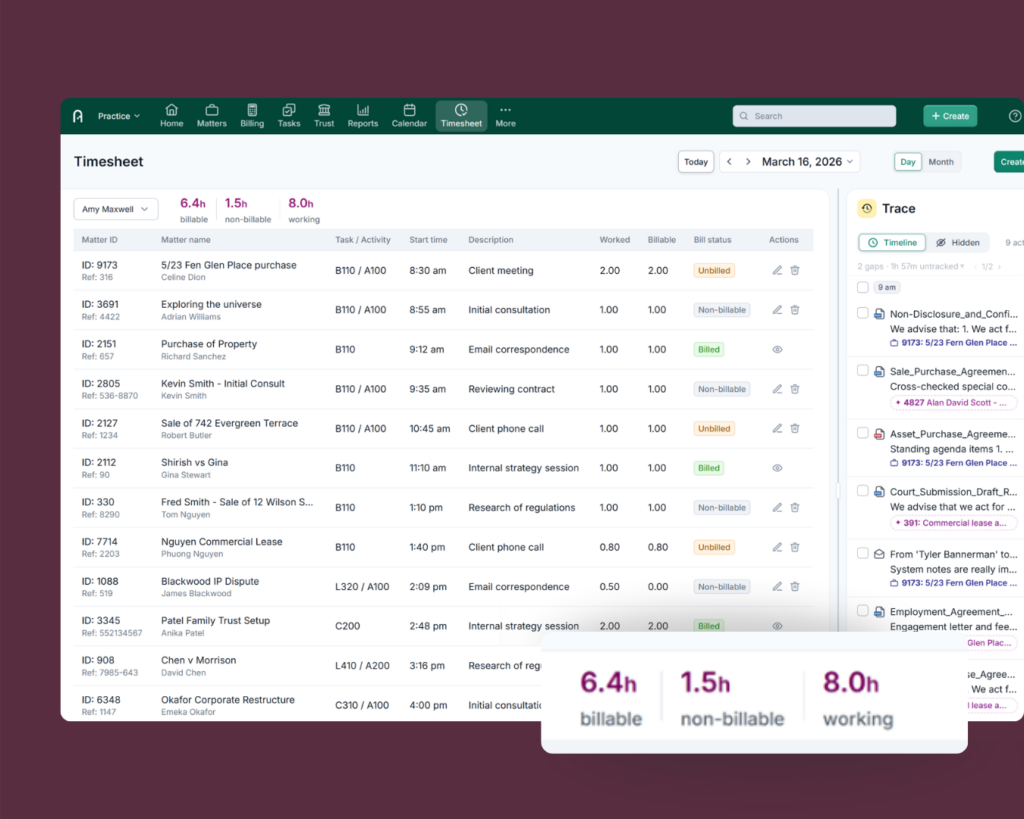
Actionstep’s AI Time Capture, Trace, runs in the background across Outlook, Word, PDFs, Teams, your browser, and more while capturing activity to the second and mapping it to the right matter and billing code, automatically, inside Actionstep.
** benefits may vary by geography or location
Protect revenue you’re already earning
Most firms underestimate how much billable time goes unrecorded across the tools used to work on a matter. That’s revenue leaving the firm before it’s ever billed.
- Capture more revenue. Work done across email, documents, applications, and the web is captured automatically resulting in fewer write-offs and less leakage
- Full visibility, less risk. Every entry is mapped and documented, giving partners a complete, audit-ready picture of firm activity
- Built to your standards. Flexible rate and billing structures, with a privacy-first architecture designed to meet your firm’s security requirements
No more reconstructing your day from memory
The team does the work. Trace handles the capture. Revenue stays protected.
- No manual timers, no memory tests. Trace captures the work as it happens so there’s nothing to remember at 6 p.m. on a Friday
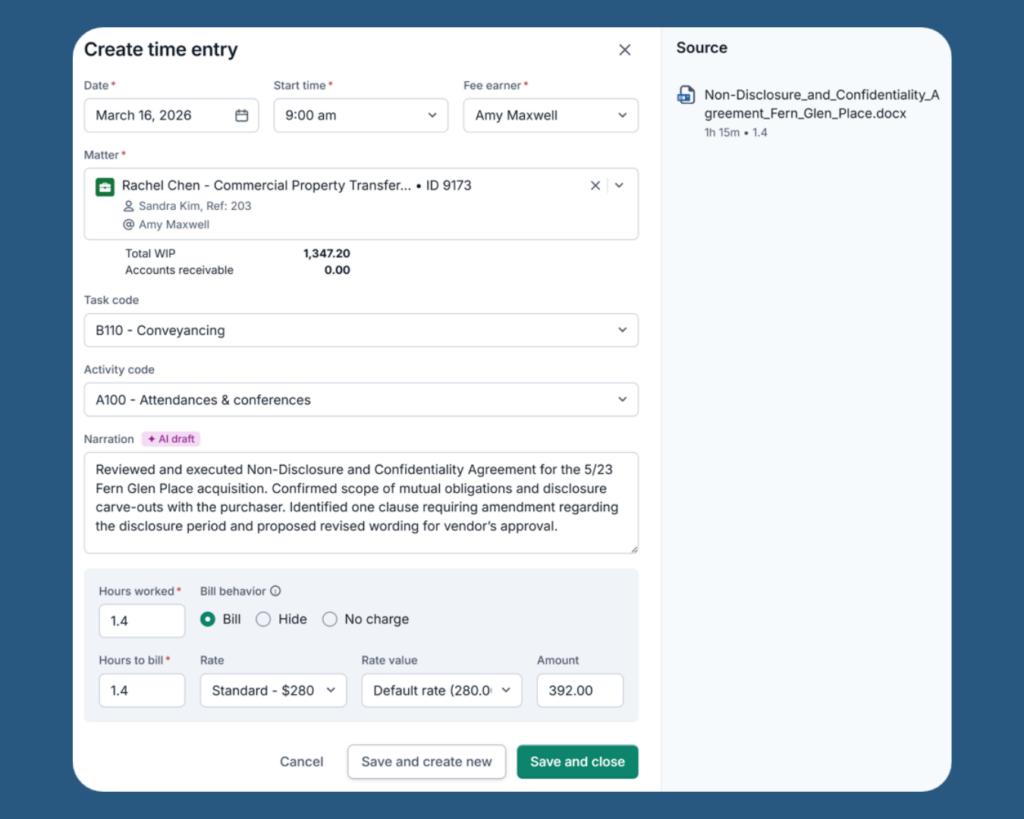
- Smart matter matching: AI makes sure every entry is mapped and documented to the correct matter in Actionstep, pulling in the right matter and billing codes automatically
- Bill-ready in seconds: AI drafts each entry in seconds — review, edit, and post from inside Actionstep, no extra tool to log into
- You’re still in control. Toggle tracking on or off anytime from the system tray, and exclude internal emails or specific activity from capture
Down
Frequently Asked Questions